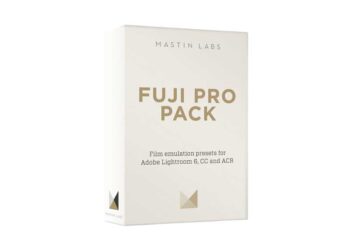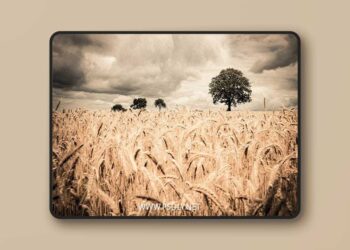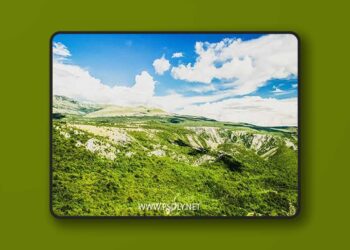
Amazing 40 Lightroom presets to streamline your workflow and produce beautiful results.These presets are perfect for photographers and graphic designers. Now you don’t need to spend hours in Lightroom, with amazing light enhancement and unique color renditions our preset will let you express your style confidently and with minimal effort. Speed up your workflow and achieve awesome outcomes!1 – Open Lightroom2 – Go to: Edit • Preferences • Presets3 – Click on the box titled: Show Lightroom Presets Folder Double click on Lightroom4 – Double click on Develop Presets5 – Copy the folder(s) of your presets into the Develop Presets folder6- Restart Lightroomone-click
Category
Updated
August,21, 2021
Preview
1 image
Download File