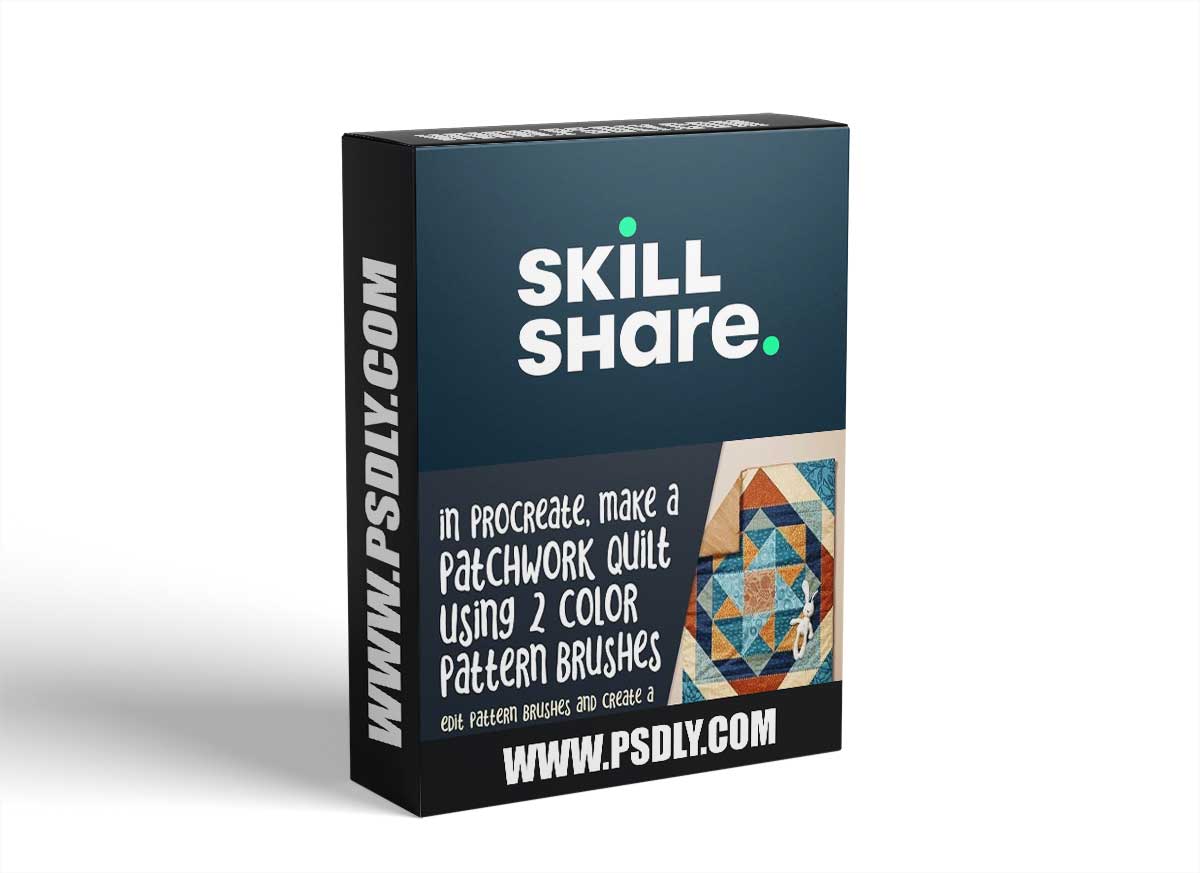
Learning to adjust the scale on a pattern is not overly difficult, but it is a challenge to combine a bunch of patterns effectively. I put this class together to practice just that! And what better a way to do it than on a quilt? Another super-fun thing about this class is that you will get to play with and make your very own two-color brushes! I provide a master so that you can simply replace the grain with patterns you already have. Don’t worry! I take you through the whole process step-by-step. I spent months working on this brush!
You will love the fact that you can create these brushes then specify the two colors right on the color wheel. I am demonstrating it using “pressure” as the variable that changes from the primary to the secondary color. I think it will be fun for you to experiment with all the settings, and I give you some tips for doing that throughput the class.
This class, Create a Quilt with 2 Color Pattern Brushes, will show you some of strategies for experimentation, and quick ways to make the brushes from existing or newly created patterns. In the class, I take you from start to finish in creating a full patchwork quilt illustration, notably with stitching details we apply at the end to make it super realistic! The template I provide is all separated out complete with the built-in clipping masks. I use this method to be sure the pattern areas that we’ll be creating are completely editable. The main attraction of this class is definitely creating and using the two-color brushes to create these pattern areas.