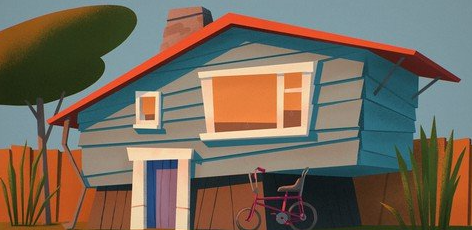
Add Sunshine and shadows to your illustration in Procreate. From the sketch to colourful digital art.
This course helps you to understand digital lighting with Procreate app. I am sharing with you my own workflow, everything I do to create original digital illustrations. This course is for you if you want to learn about ambient lights and shadows. We will talk about soft and cast shadows.
I will share all my tips and tricks during the process, but if you missed anything, please feel free to ask, I am here to teach!
In this course you won’t learn everything in Procreate. We will work with the most important tools tips and technics which are necessary to create a suny scene like in this course.
Course structure
– First steps in Procreate. Import the lineart sketch.
– Work with layers, blocking the elements of the scene.
– Define the main colours of the scene.
– What is ambient lights? Quick tour about soft shadows.
– Add ambients to the scene. Turn the flat drawing into 3D look.
– Arrange the layers
– How to define the direction of the sun. What the shadows look like?
– Add realistic sun and cast shadows to the scene
– Conclusion