Source
https://www.skillshare.com/classes/Vectorize-your-Drawings-From-Procreate-to-Vector-in-Adobe-Illustrator/154437419?via=search-layout-grid
Category
File Size
351MB
Publisher
skillshare
Updated
July 22, 2022
Description
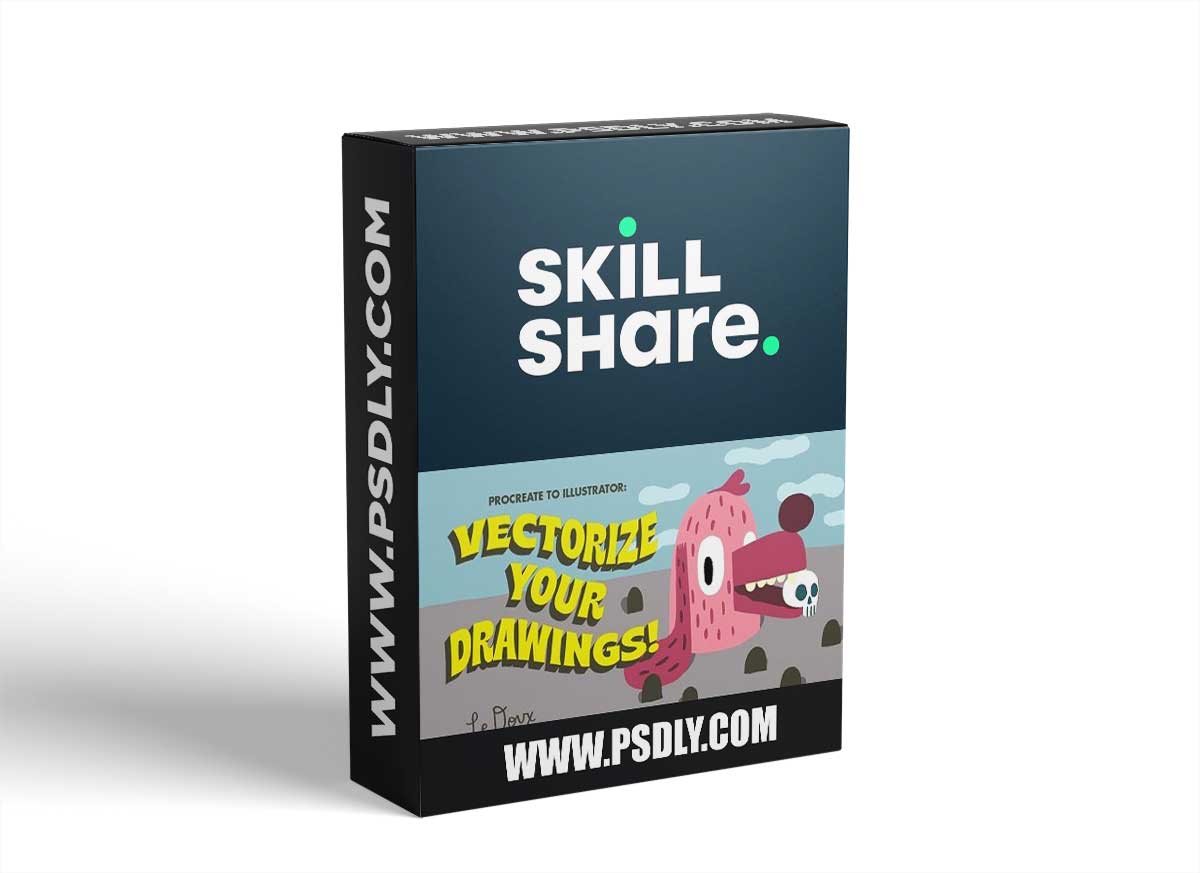
Clients love vector files! Yet drawing in Procreate is so effortless (and FUN!). This class documents my process from start to finish of starting with a Procreate drawing and converting it to a fully vector illustration, with the help of Adobe Photoshop and Illustrator. Here’s what we do…
- We start by properly setting up our Procreate file
- Next, we DRAW!!
- Then we beam our Procreate file to our computer
- There we’ll quickly use Photoshop to export our layers
- Import those layers into Illustrator and image trace to turn them to vector
- Color, tweak the layer order and you’re done!
- A process that had previously taken me a minimum of an hour can now be accomplished in 10 minutes!
- There’s even a bonus step for those who love using raster textures in your work!!
This class is for anyone with some experience using Procreate, Photoshop and Illustrator, looking for a streamlined approach to turn their Procreate illustrations into vector art. I use this approach daily and it has saved me hours!
Preview
1 image
Download File